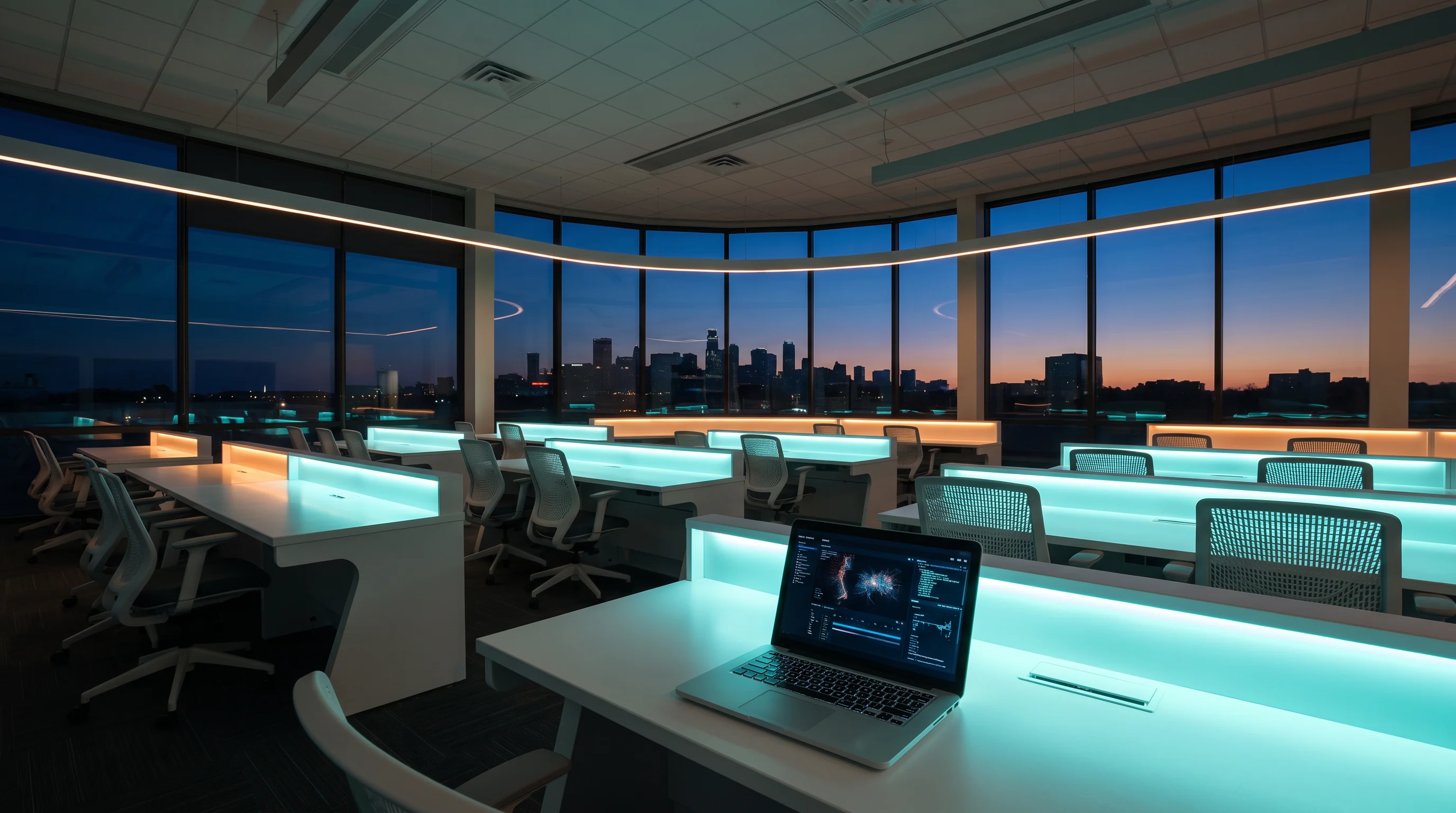
A bright future-focused computer lab at dusk

Launchpad School / IT learning

Build IT judgment.
Run the console.

Kefunelaro turns technical learning into a deliberate launch sequence: brief the mission, inspect the signals, work the scenario, and hand over what you learned with clarity.

Live status
Mission board openSupport desk receiving questionsPractice environments in rotation

01 / Mission selector

Select the system you want to understand.

Use the selector to preview the mission brief. Each pathway is organized around tangible questions, controlled practice, and a clear handoff.

MISSION M-01

Systems foundations

Start with the operating picture: where a service lives, who can reach it, what depends on it, and which clues help you verify its state. This mission gives vocabulary a working context.

Mapprimary instrument
Observepractice rhythm
Explainhandoff focus
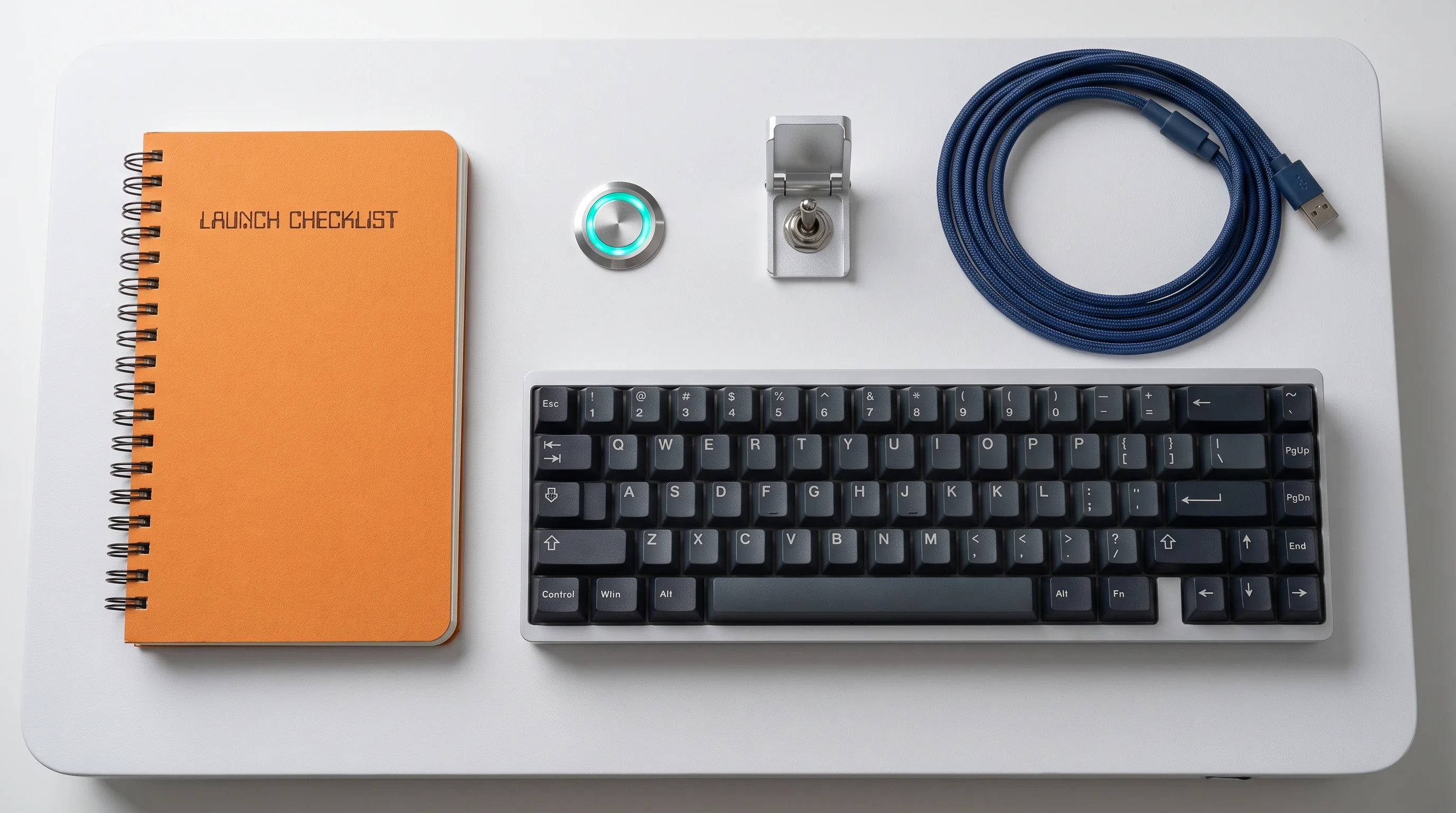
A launch checklist notebook beside a keyboard and console button

02 / Preflight checklist

A calm start is part of the technical work.

Before a course session, you receive a brief that makes the activity legible rather than mysterious.

Identify the question

Know what you are trying to learn or verify before opening a tool.

Set the safe boundary

Use the intended practice environment and note what should remain unchanged.

Capture the signal

Record the evidence that informs your next decision, not every available detail.

Prepare the handoff

Leave a short record another person could understand and continue.

03 / Learning stations

Practice from more than one angle.

The Launchpad combines short explanations, guided console work, observation prompts, and a final release note—not a single passive format.

Map room

Sketch dependencies, access paths, and ownership before changing direction.

Console bay

Work through focused actions with context around the command or control.

Signal desk

Compare logs, behavior, and service clues without treating any one signal as the whole story.

Handoff table

Convert work into a concise release note that records decisions and open questions.

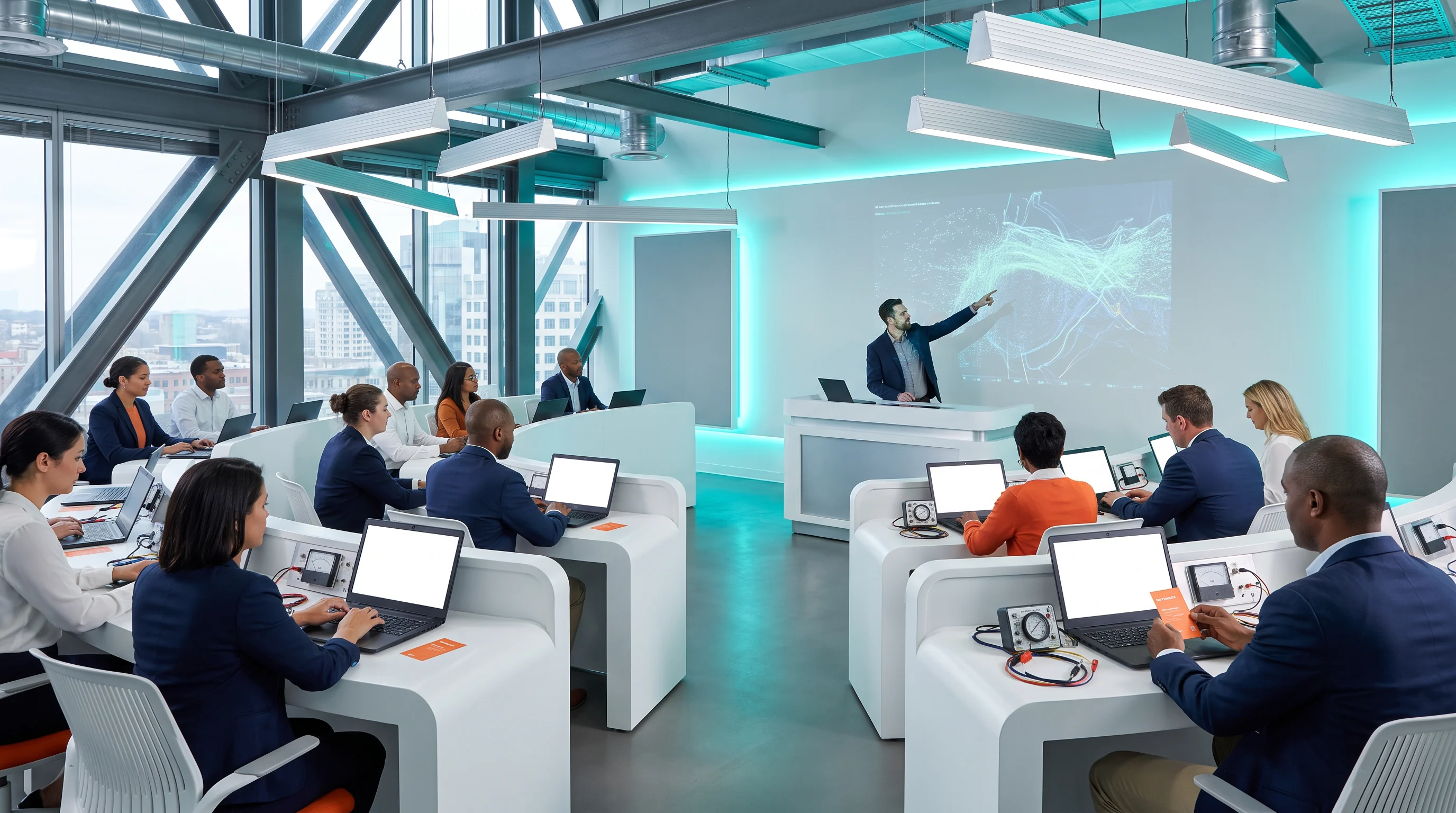
Instructor presenting a system visualization to a classroom of learners

Station protocol

One scenario, four useful moves.

Orient, inspect, choose, record. The sequence repeats across the curriculum so that technical terms become actions you can explain.

04 / Telemetry calibration

Choose the signal you would check first.

Debugging rarely starts with a perfect answer. Use this small console to set your first signal, then read the calibration note. This interaction is a thinking prompt, not a test.

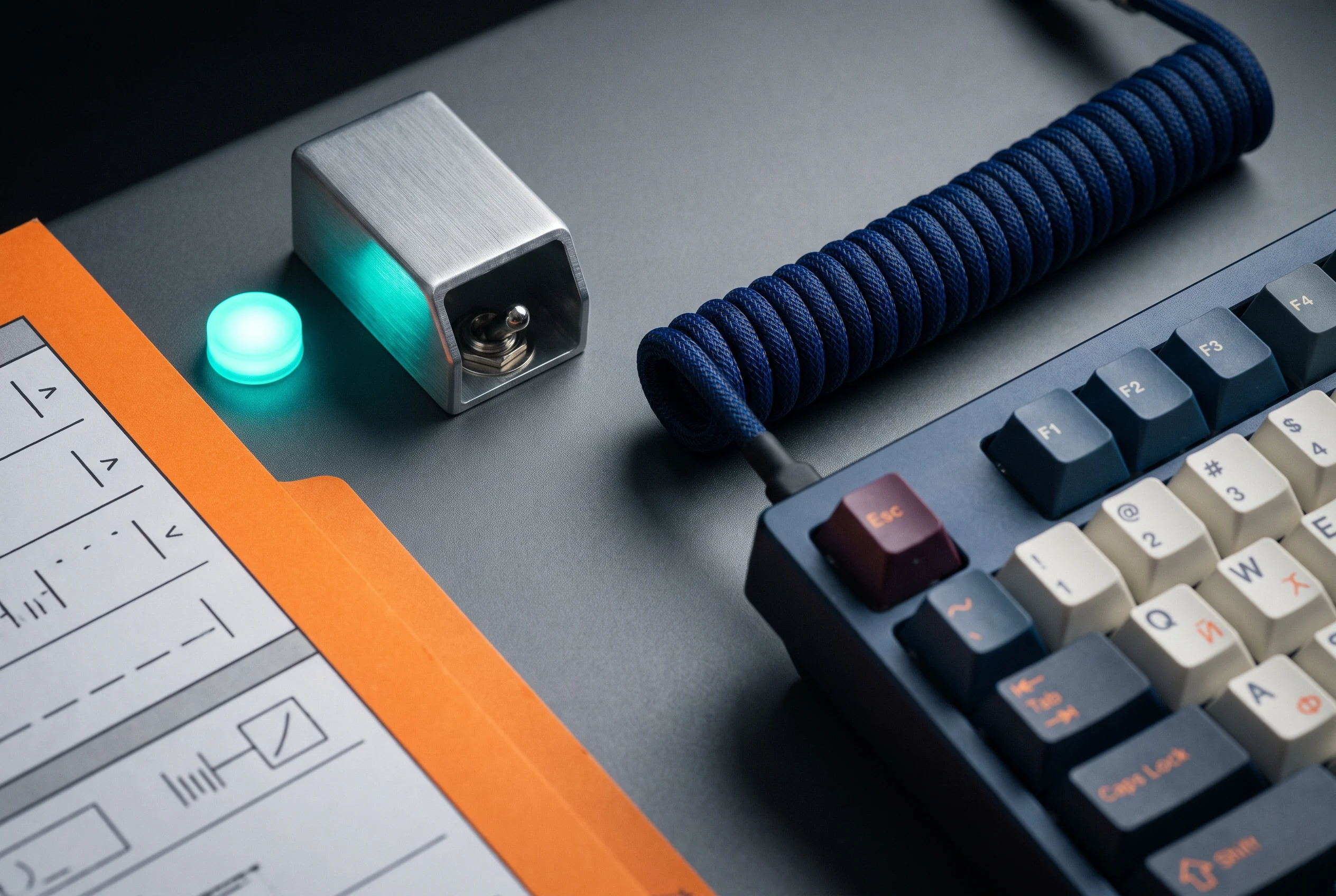
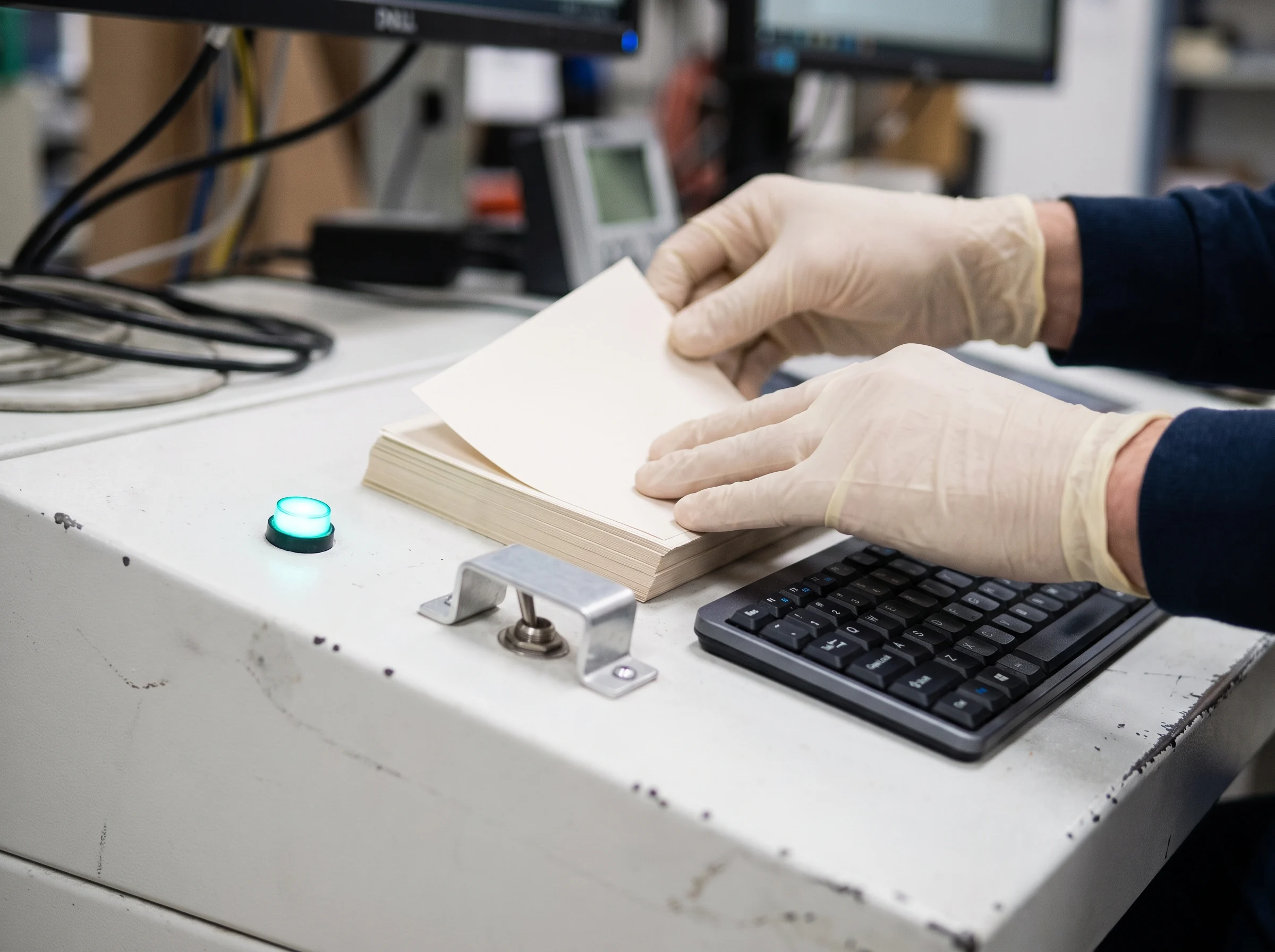
A tactile console button and keyboard on a technical work surface
DIAGNOSTIC CONSOLEINPUT / 01
CALIBRATION NOTEStart close to the reported experience. Define what “working” looks like, then compare it with the observed behavior before widening the search.
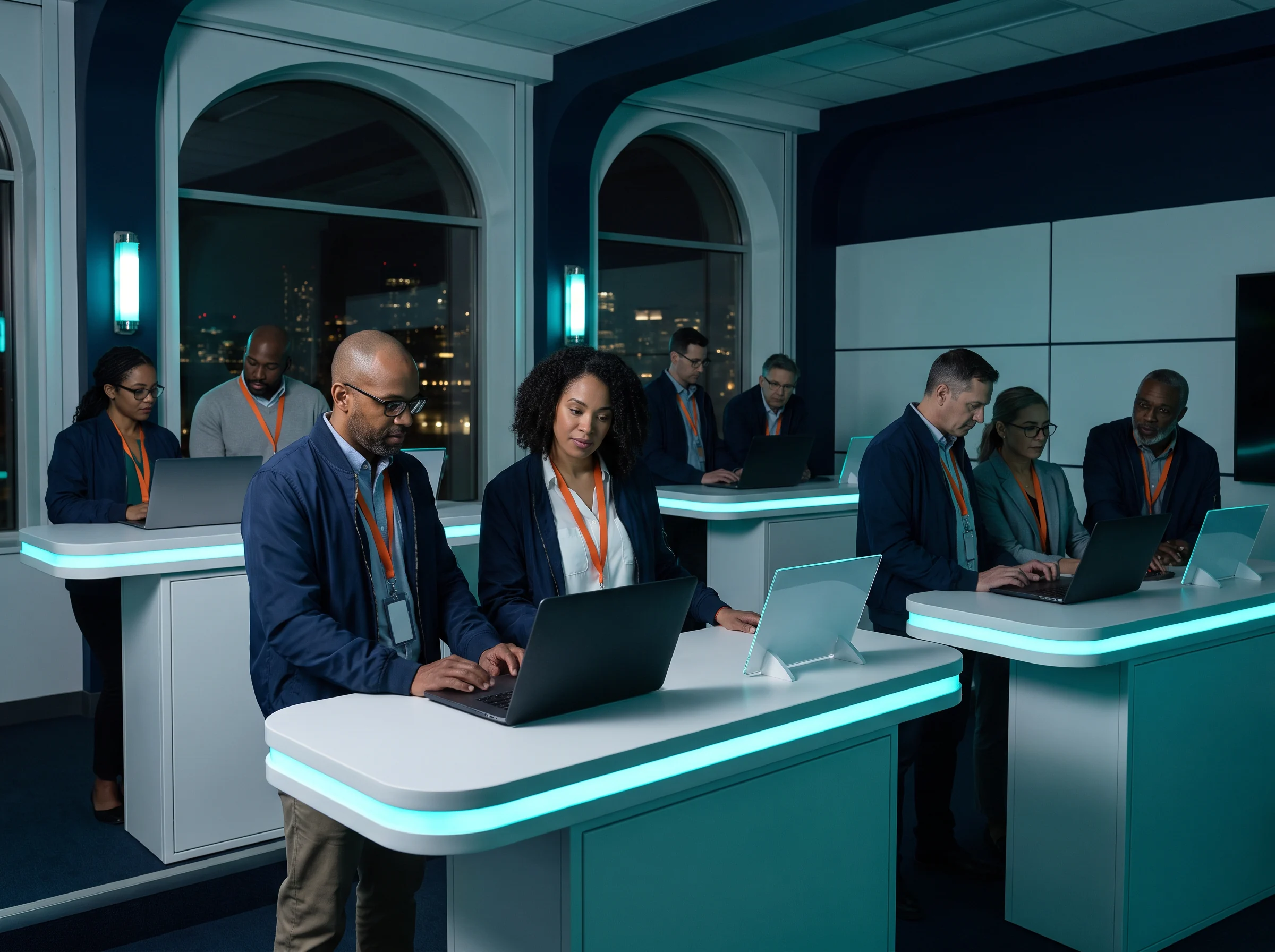
Learners working together in a night-time mission control room

05 / Flight deck

The learning space is designed for conversation with the work.

Course sessions use examples, checkpoints, and language that makes a technical decision inspectable. You can pause at the console, name uncertainty, and move forward with a documented next step.

  • Scenario prompts that explain why a control matters
  • Time to distinguish observation from assumption
  • Release notes that carry the learning forward

06 / Mission support desk

Bring the question to the desk.

A support route is available for course-fit questions, access details, and clarifying the intent of a practice activity.

Mission fit

Describe the kind of system or question you want to become more comfortable discussing. We will point you to a sensible starting brief.

OPEN A REQUEST

Session support

If a course instruction needs clarification, capture the task, the point where it became unclear, and the signal you observed.

SEND CONTEXT
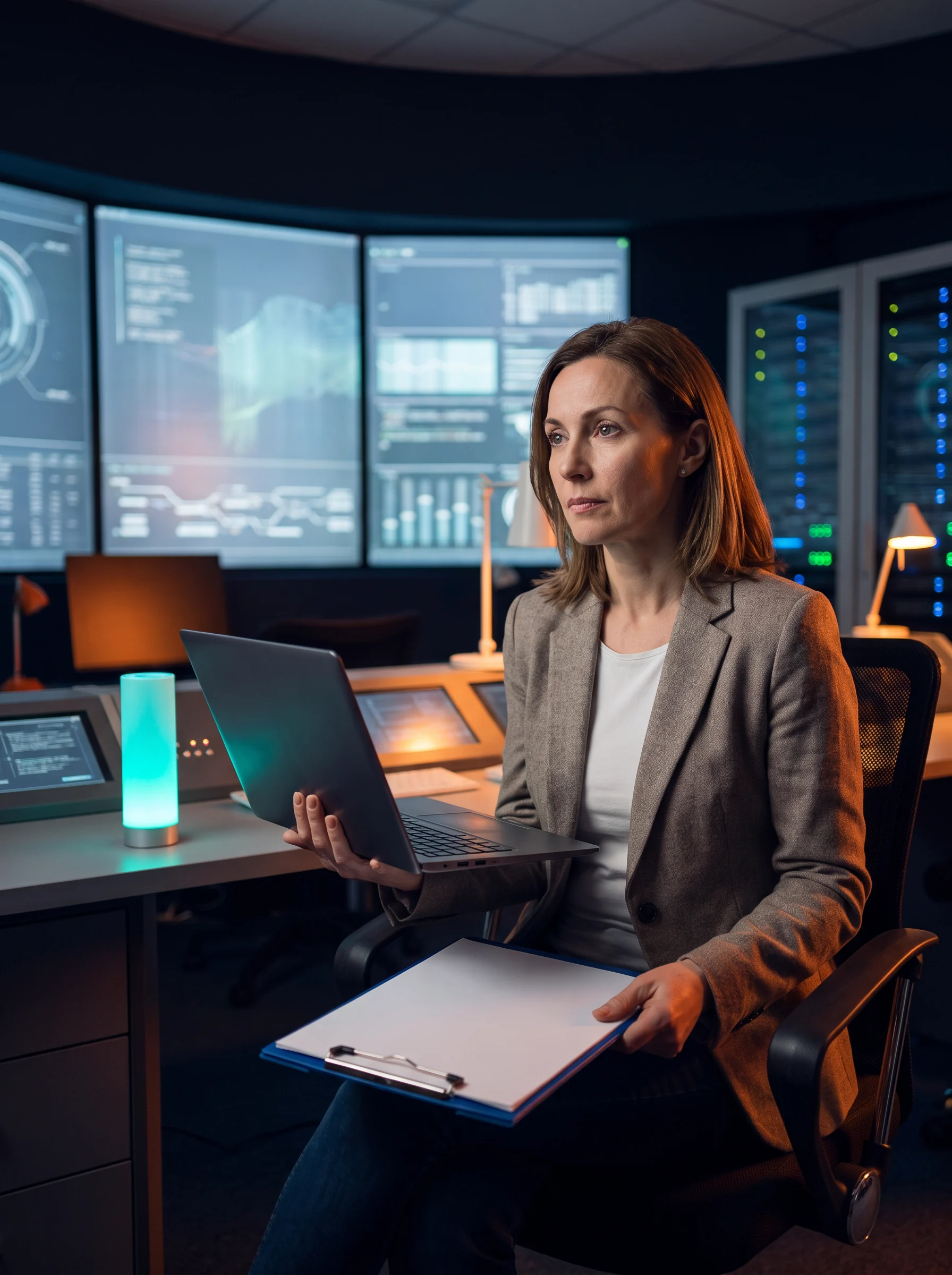
A mission support specialist at a technical console
A technician checking notes at a practical workbench

07 / Release telemetry

A deliberate rhythm from brief to handoff.

Brief the mission

Read the question, constraints, and expected evidence before interacting with the environment.

Trace the signals

Use the relevant tools and observations to build a reasoned picture of what is happening.

Choose a next move

State what you would verify, change, or ask next and why that step is proportionate.

Release the note

Record the decision, evidence, and remaining uncertainty in an accessible handoff.

08 / Launch report

Leave every mission with a usable handoff.

A launch report is not a scorecard. It is a concise record of the problem space, the evidence you used, and the next question that would make the situation clearer.

  • Situation in plain language
  • Signals observed and their limits
  • Decision, next action, or open question
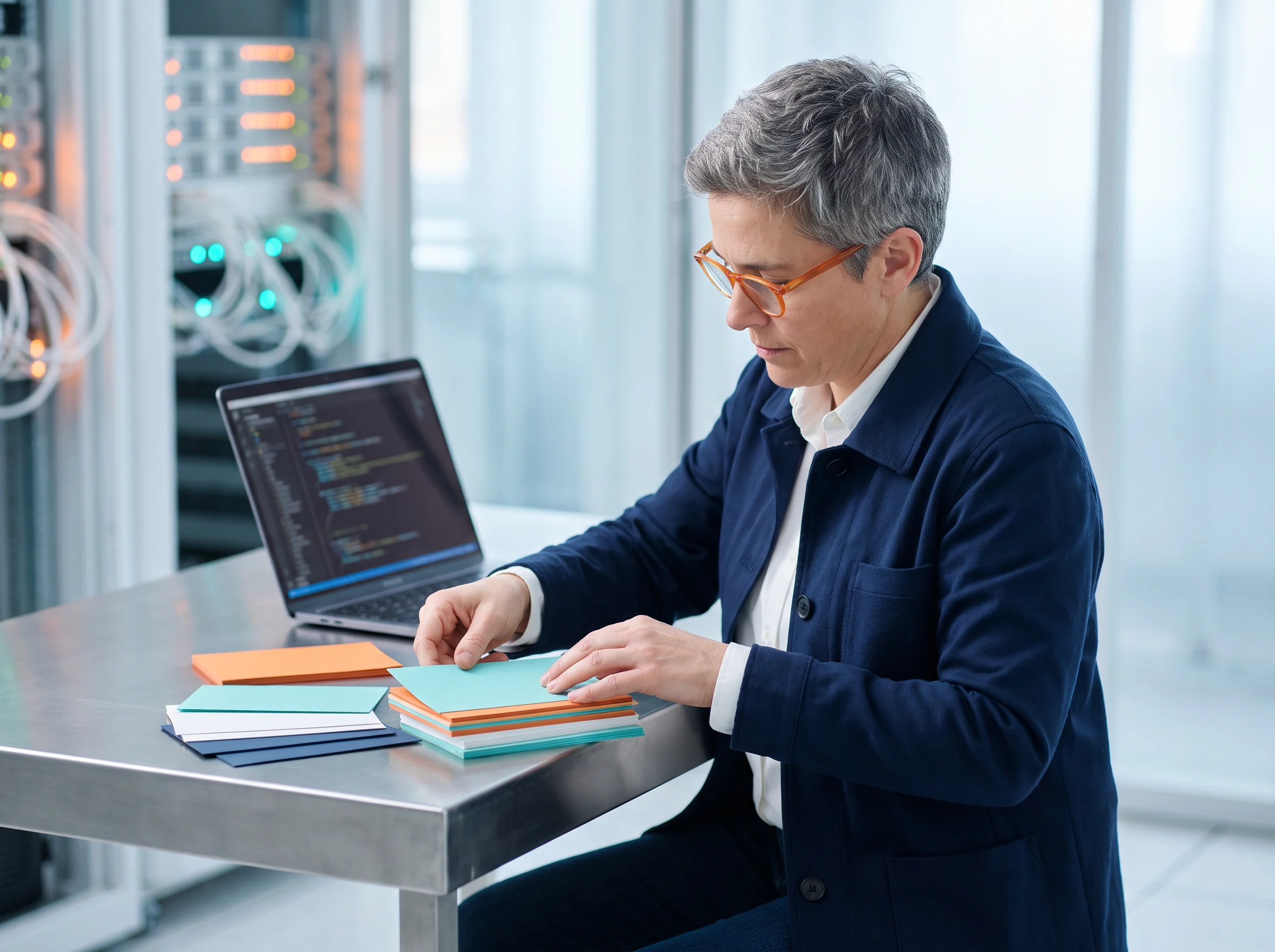
A learner arranging colored briefing cards beside a laptop

09 / FAQ

Questions from the launch queue.

A few practical details about the way Kefunelaro structures its IT course experience.

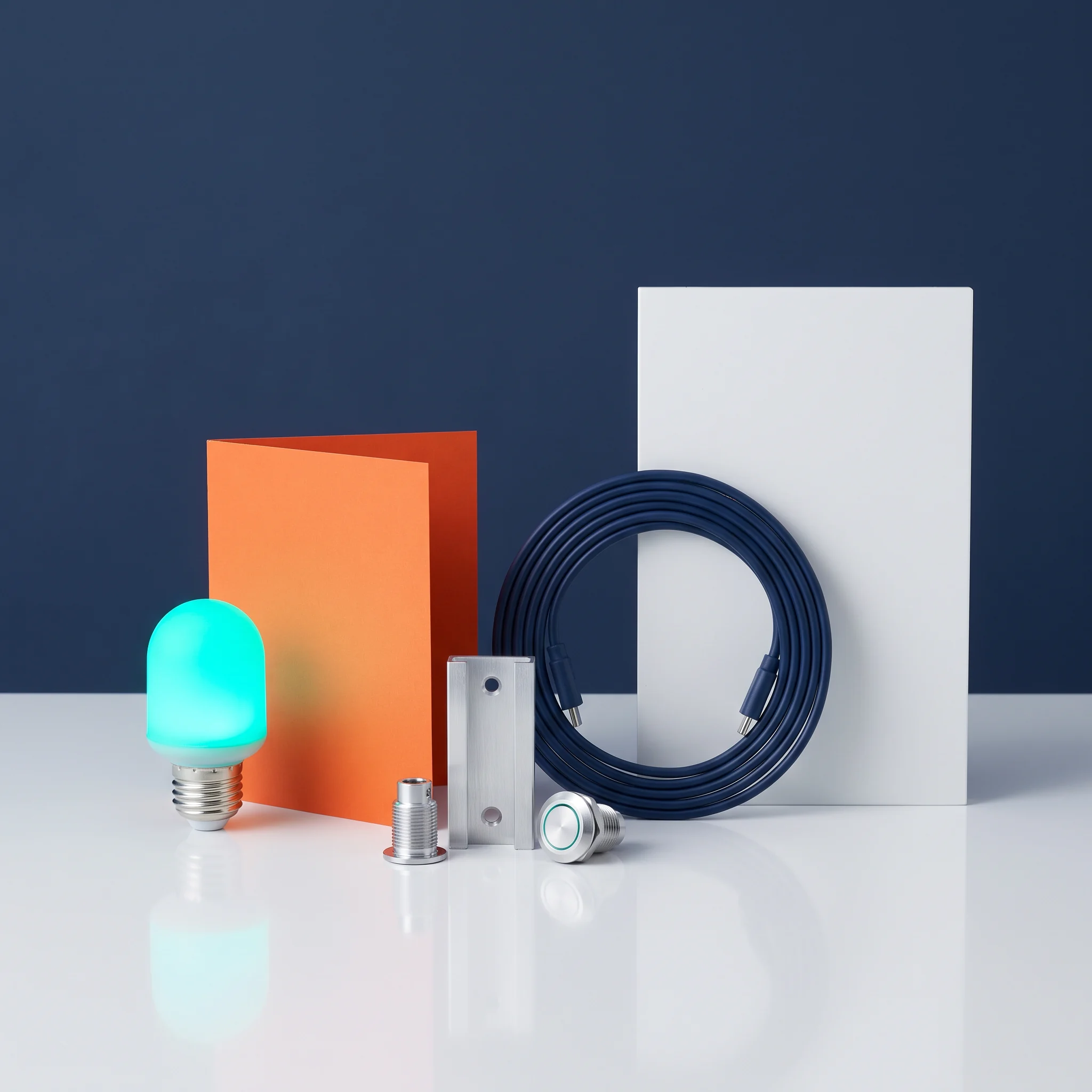
Aqua light, cable and aluminum components arranged as a technical kit

No single background is assumed. Each mission states its starting concepts and uses a brief to establish the vocabulary needed for the activity. You may find some pathways more familiar than others, but the intended focus is learning how to inspect a situation, ask a useful question, and communicate a next step with care.

It describes the structure, not a promise of high-pressure work. Kefunelaro uses mission briefs, visible signals, stations, and handoffs to make the learning sequence easy to follow. The aim is to give technical activity a clear operational context, so learners can connect a tool or concept to the question it helps them answer.

Practice activities are framed around observation and reasoning. A brief identifies the boundaries of the activity, the kind of evidence that may be useful, and the handoff expected at the end. Rather than asking learners to memorize an isolated sequence, the course invites them to explain what they noticed, what they think it means, and what they would check next.

Yes. The launch request form is a place to share the topic you are exploring, the type of context you work with, and any access or format questions you have. It does not commit you to anything. Providing a little context helps the support desk respond with a more relevant description of the available learning pathways.
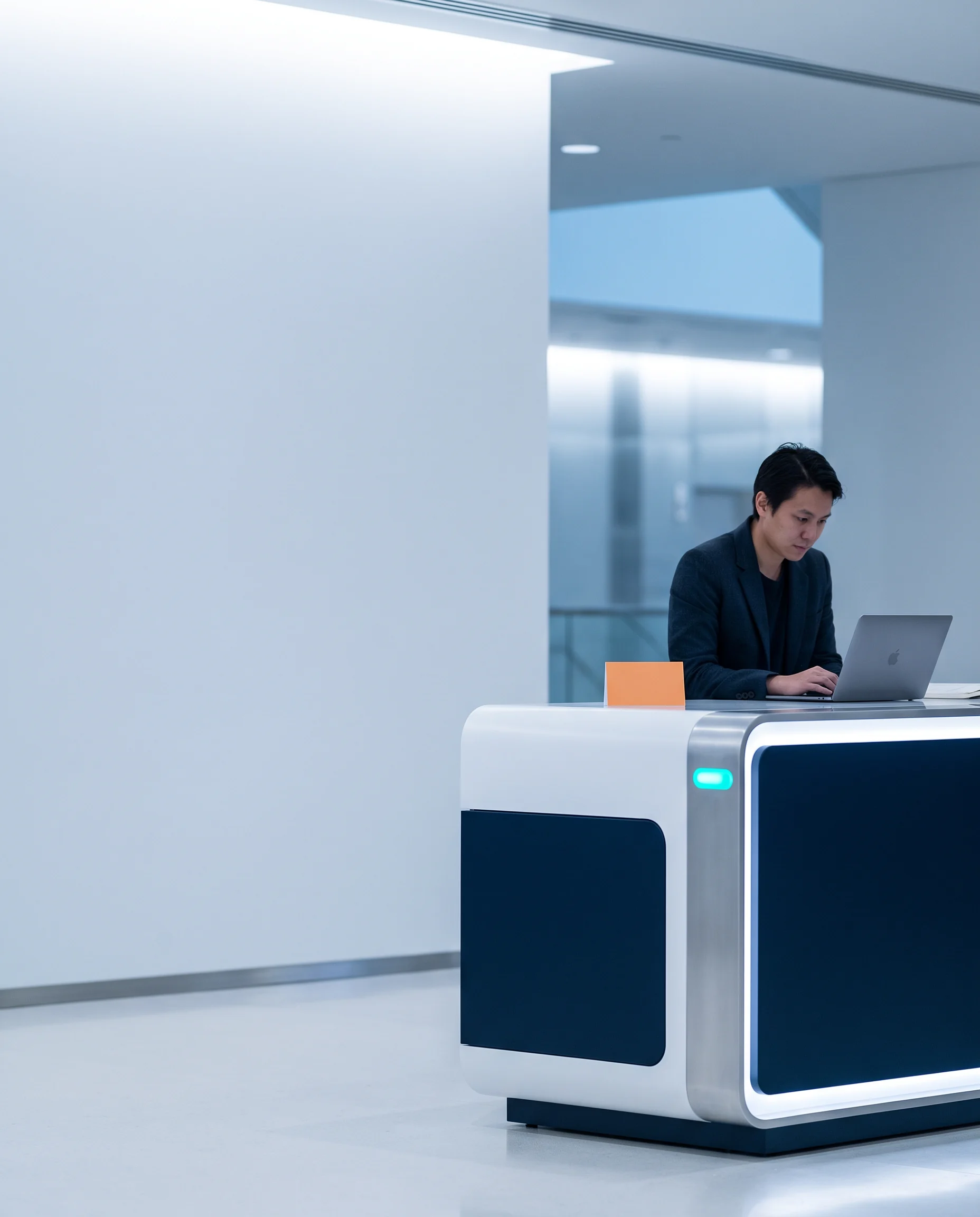
A focused learner working at an illuminated launch console

10 / Launch request

Tell us what you want to put on the board.

Share a few details and we will acknowledge your request in this browser. For general contact, use [email protected].

This browser-only form does not transmit your details to a server.

Launch request logged in this browser. Thank you for sharing your mission context.